
stuff we drool about

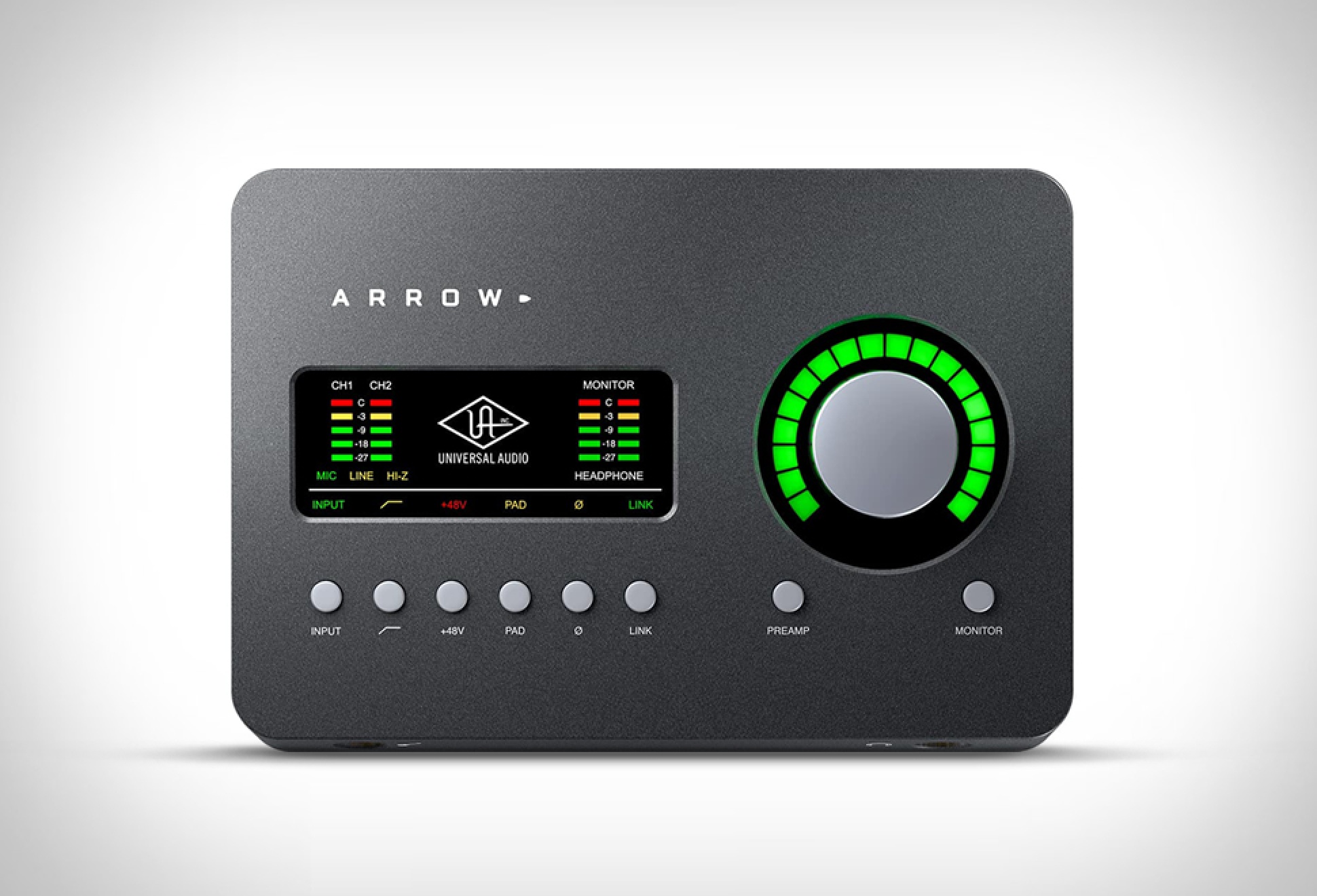
Arrow Desktop Recording Interface

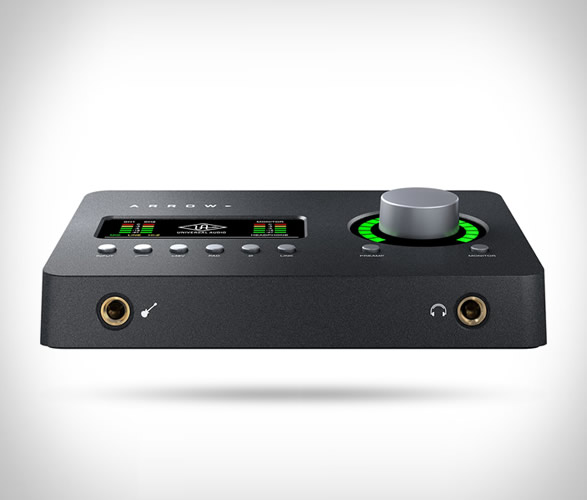
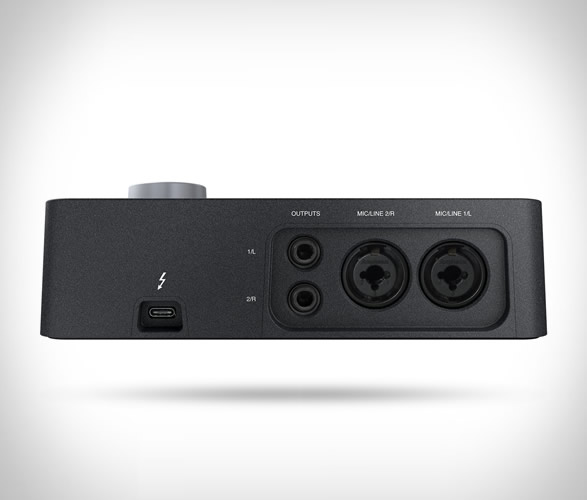
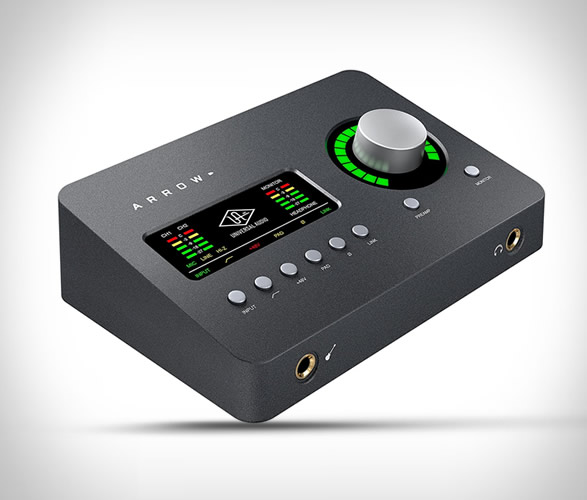
The new Arrow Desktop Recording Interface from Universal Audio is an interesting option to get should you be on the prowl for a recording device for Mac or Windows, in fact it’s the first one that’s Thunderbolt 3 powered reducing cable clutter and enhancing portability. It features a wide array of Mic preamps and guitar emulations from known sound wizards such as Marshall, Fender, Neve, KORG or Manley, just to name a few. The sleek interface is also an all metal construction, ideal to use on the go with its sturdy frame and encasing, plus it’s quite small too, easily fitted into a laptop or backpack. It also features the unique UAD-2 SOLO core compressor that greatly enhances the sound it’s getting at near-zero latency no matter the audio software buffer you’re putting on.
arrow-desktop-recording-interface-2.jpg | Image

arrow-desktop-recording-interface-3.jpg | Image

arrow-desktop-recording-interface-4.jpg | Image

TARDISK - Image

TARDISK

TarDisk seamlessly integrates into your MacBook, doubling or tripling your onboard HD with blazing fast flash storage! The secure, tool-free upgrade fits into your MacBooks SD slot, instantly boosting your storage capacity. Simple and powerful, TarDisk is precision cut from a block of aluminum alloy and seamlessly integrates into your MacBook, it is waterproof, shockproof and nearly indestructible, keeping your files safe like never before. watch the video &...
read more
BAT | LEVITATING WIRELESS COMPUTER MOUSE - Image

BAT | LEVITATING WIRELESS COMPUTER MOUSE

"Carpal tunnel syndrome" is a common cause of wrist pain caused by doing repetitive movements such as using a computer mouse. With this problem in mind Kibardindesign developed "Bat" a levitating wireless computer mouse that consists of a base - mouse pad and floating mouse with magnet ring....
read more
AirBar - Image

AirBar

Your MacBook Air can finally have a touchscreen, but not thanks to Apple. You can now turn your regular monitor into a touch screen display with this AirBar sensor, simply attach it beneath the screen with the included magnets and plug into a USB port to create a touchscreen laptop! AirBar then senses any finger or stylus touch on your display and lets your laptop respond just like it would if you had a real touchscreen, draw, tap, pinch, rotate and zoom… it’s f...
read more