


Naya Create Keyboard
The Naya Create Keyboard is a bold attempt to rethink how a keyboard can function in a modern workspace. Instead of treating input as keys alone, Naya built an entire modular system around a low profile split mechanical keyboard designed to keep your hands centered and your workflow tight.
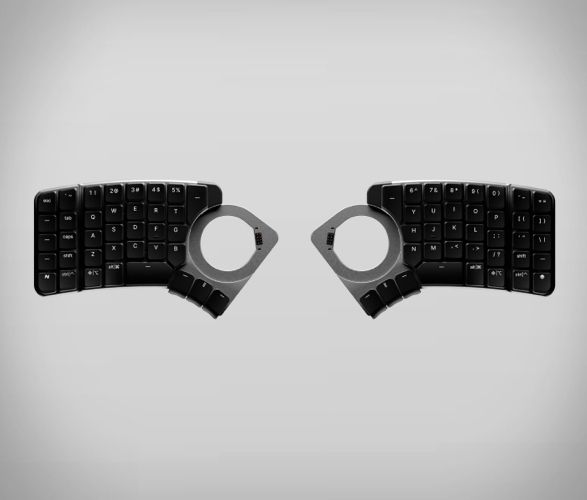
At the core is a slim split keyboard with hot swappable mechanical switches and full programmability through Naya Flow software. The layout is intentionally unconventional, with vertically aligned keys and layered functions that reduce finger travel once learned. This is not about familiarity. It is about efficiency through customization.
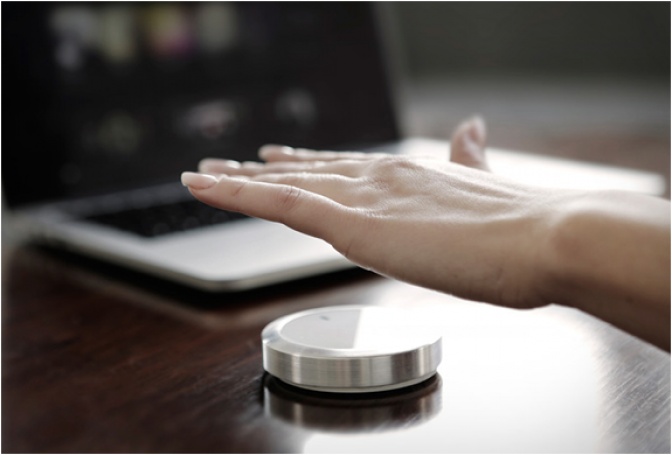
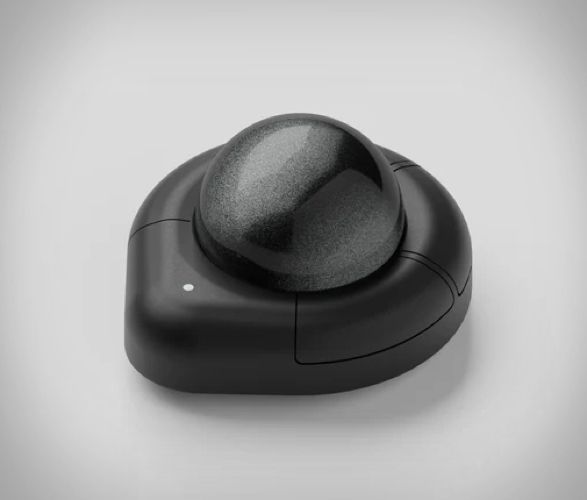
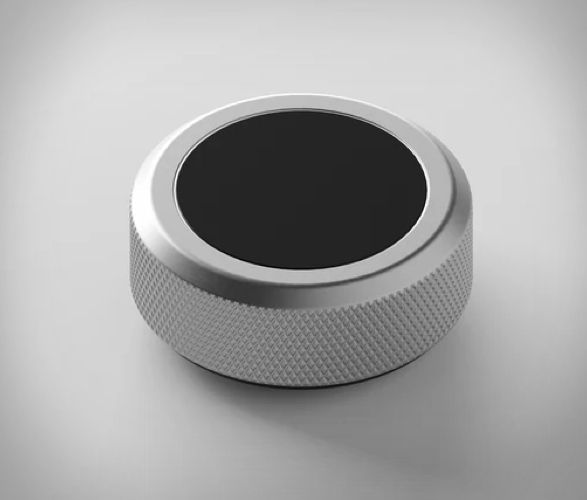
What sets Naya Create apart are its magnetic modules. These snap directly into the keyboard and replace the need for a mouse or external controllers. Naya Touch adds a gesture based touchpad. Naya Track introduces a trackball with multidirectional scrolling. Naya Tune brings a haptic rotary dial for timeline scrubbing, brush sizing, or volume control. Modules are hot swappable, magnetically secured, and powered internally, enabling both wired and wireless use when paired.
Wireless operation relies on the modules themselves, which house the batteries and can be charged wirelessly or through the keyboard. This design keeps the keyboard thin and visually clean, which we appreciate from a desk setup perspective. RGB lighting, adjustable tenting, and deep key remapping round out the feature set.
From our editorial point of view, the Naya Create is clearly built for power users who enjoy shaping their tools around their workflow. It rewards time and intention. If you want a keyboard that challenges habits and puts creative control front and center, this one is worth serious attention.
At the core is a slim split keyboard with hot swappable mechanical switches and full programmability through Naya Flow software. The layout is intentionally unconventional, with vertically aligned keys and layered functions that reduce finger travel once learned. This is not about familiarity. It is about efficiency through customization.
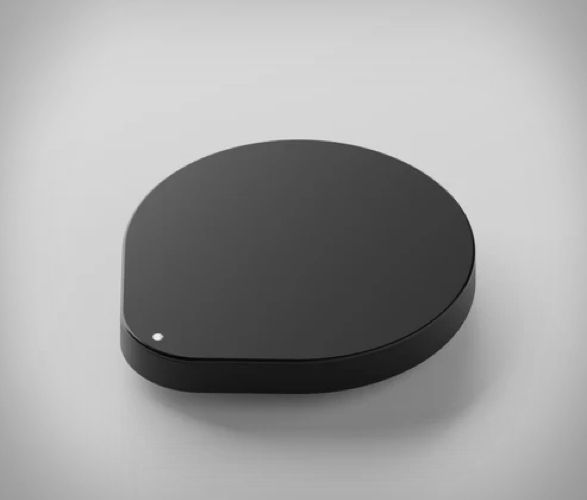
What sets Naya Create apart are its magnetic modules. These snap directly into the keyboard and replace the need for a mouse or external controllers. Naya Touch adds a gesture based touchpad. Naya Track introduces a trackball with multidirectional scrolling. Naya Tune brings a haptic rotary dial for timeline scrubbing, brush sizing, or volume control. Modules are hot swappable, magnetically secured, and powered internally, enabling both wired and wireless use when paired.
Wireless operation relies on the modules themselves, which house the batteries and can be charged wirelessly or through the keyboard. This design keeps the keyboard thin and visually clean, which we appreciate from a desk setup perspective. RGB lighting, adjustable tenting, and deep key remapping round out the feature set.
From our editorial point of view, the Naya Create is clearly built for power users who enjoy shaping their tools around their workflow. It rewards time and intention. If you want a keyboard that challenges habits and puts creative control front and center, this one is worth serious attention.