
stuff we drool about

Iomega Mac Companion Hard Drive

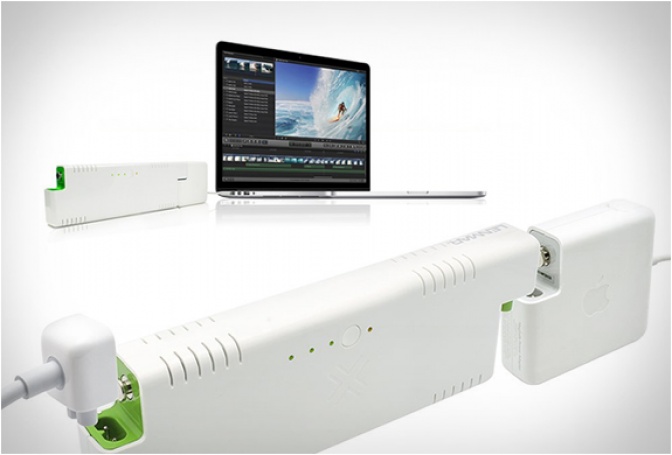
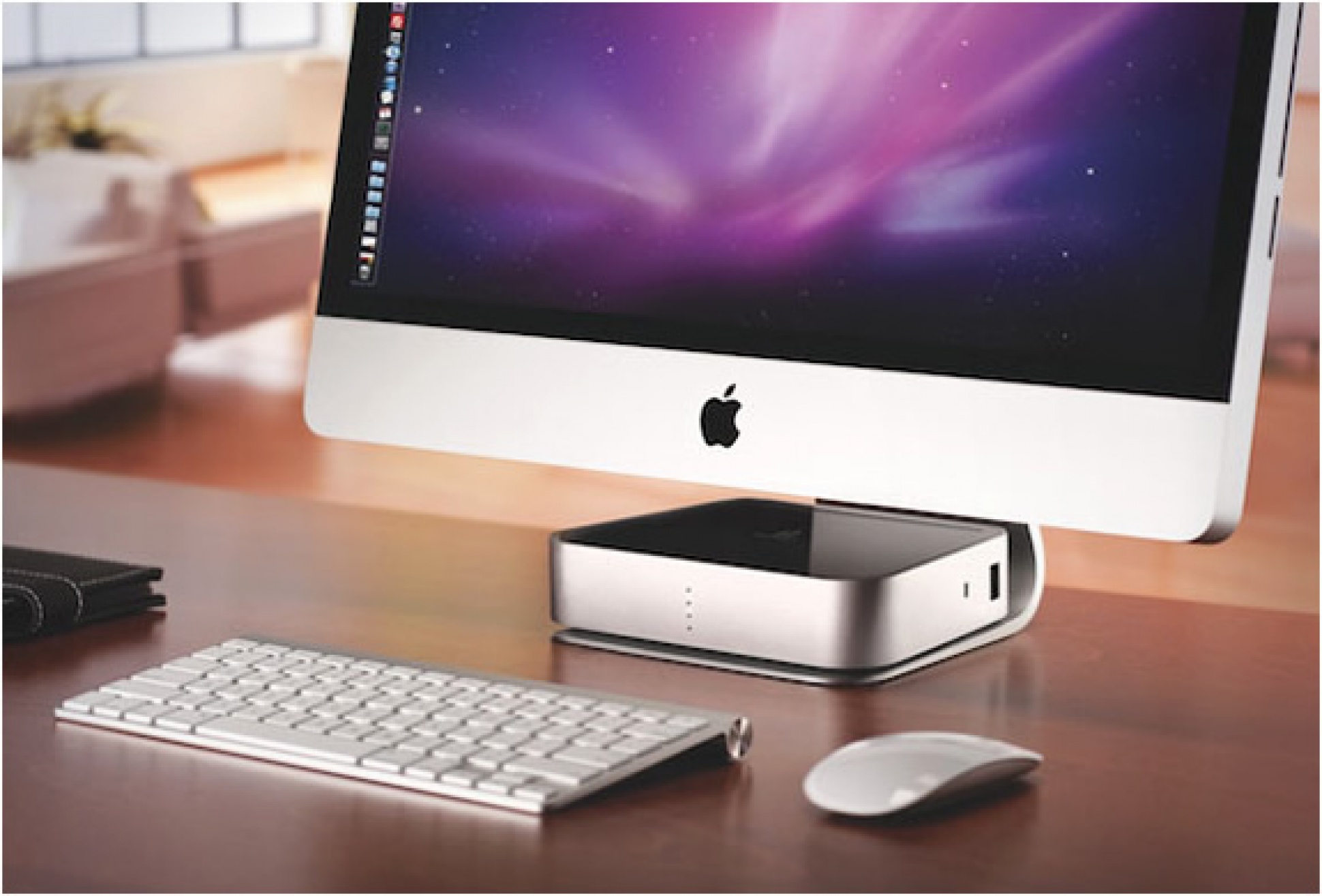
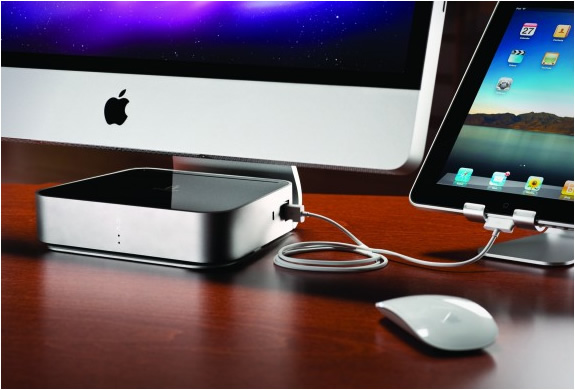
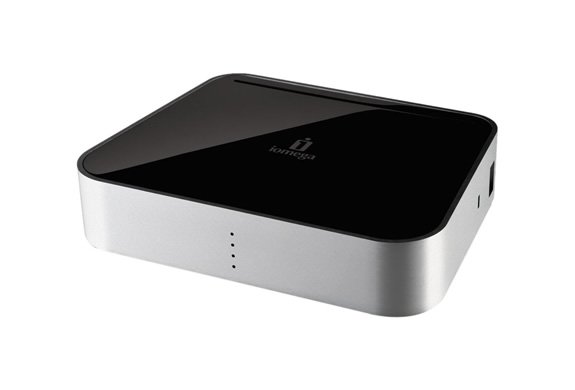
Iomega announced a new model of external hard drive aimed at Mac users, called Mac Companion, it has a hard drive capable of 7.200rpm, it is available with 2TB and 3TB. The cool feature is the ability to charge your iOS devices (iPhone, iPod Touch and iPad) while you use the accessory. The Mac Companion design follows the Apple standards, it has an aluminum enclosure that fits perfectly into the base of the iMac. It has four LEDs to indicate how much space you are using. Nice!
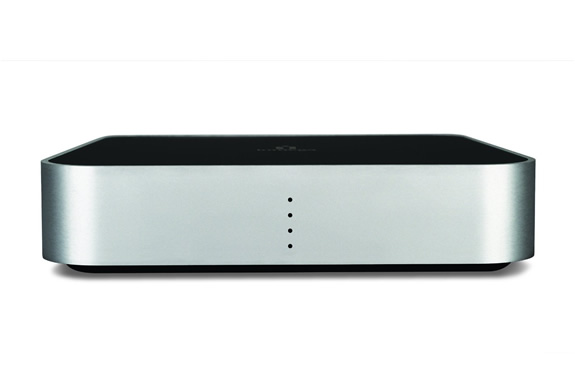
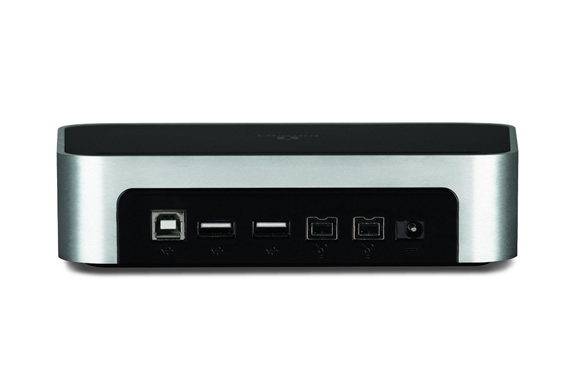

img_iomega_mac_companion_hard_drive_2.jpg | Image

img_iomega_mac_companion_hard_drive_3.jpg | Image

img_iomega_mac_companion_hard_drive_4.jpg | Image

img_iomega_mac_companion_hard_drive_5.jpg | Image

THE MAGIC NUMPAD | BY MOBEE - Image

THE MAGIC NUMPAD | BY MOBEE

Following the great success of the Magic Charger and the Magic Bar, Mobee continues to innovate and develop green technology products. They have presented the Magic Numpad, it easily transforms your Magic Apple Trackpad into a customizable numeric keypad. Simply apply one of the 3 films to the Apple Magic Trackpad, install the free application, and you have a trackpad and a numeric keypad in a single device....
read more
MacBook Pro 16-inch - Image

MacBook Pro 16-inch

Apple have replaced the 15-inch MacBook Pro with a redesigned 16-inch model! The shiny new 16-inch MacBook Pro has a bigger screen, more power, and a redesigned keyboard. Available to order from today, the new MacBook has a Magic Keyboard with keys that feel soft to the touch thanks to their scissor mechanism. It still incorporates the Touch Bar and Touch ID but also includes a physical Escape key and an inverted "T" arrangement for the arrow keys, hooray!...
read more
APPLE MAGIC TRACKPAD - Image

APPLE MAGIC TRACKPAD

Designed for desktop users, the new Magic Trackpad is the first Multi-Touch trackpad designed to work with your Mac desktop computer. It uses the same multi-touch technology you use on the MacBook Pro. It is connected via bluetooth so theres no annoying cables, and the entire surface is one large button, so you can click and double-click any....
read more