
stuff we drool about

A Smart Mac Keypad That Adapts to Your Workflow

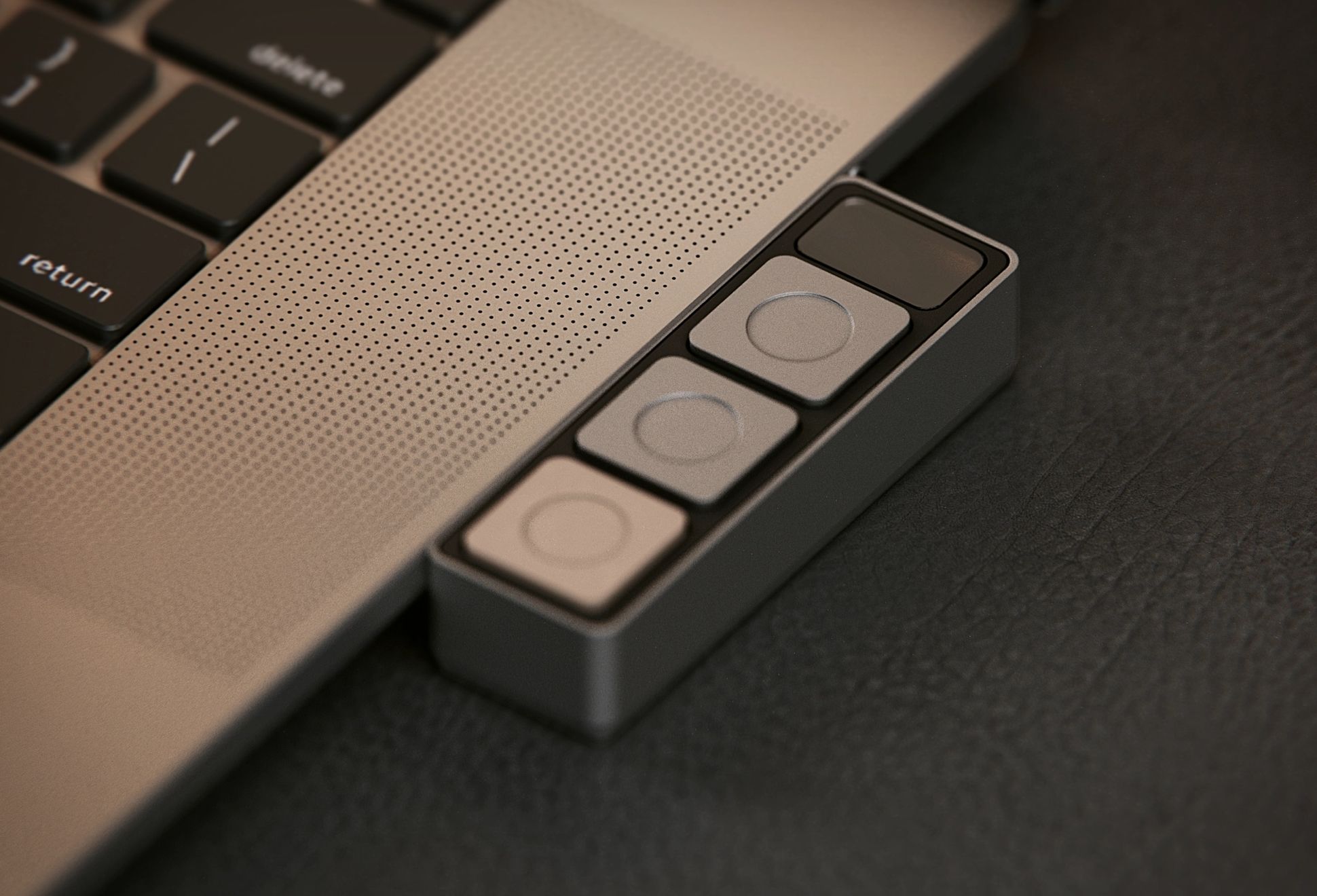
Most macro pads promise efficiency but end up adding complexity. The Dune Context Aware Keypad for macOS takes a different approach, removing the need to think about shortcuts entirely by adapting in real time to what you are doing.

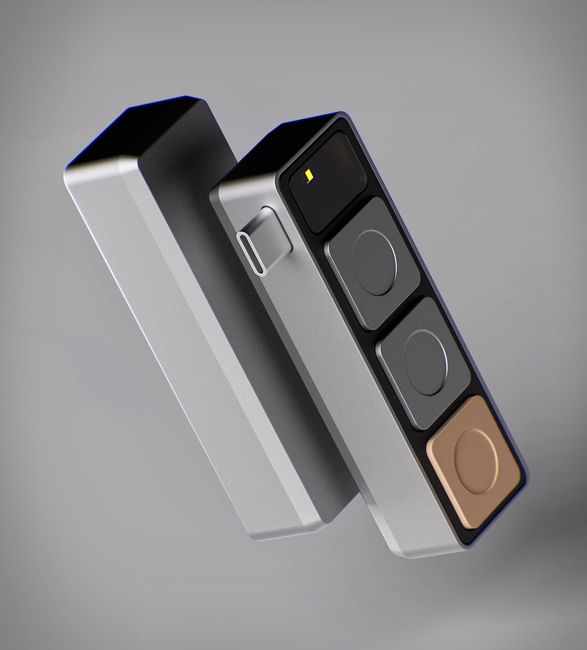
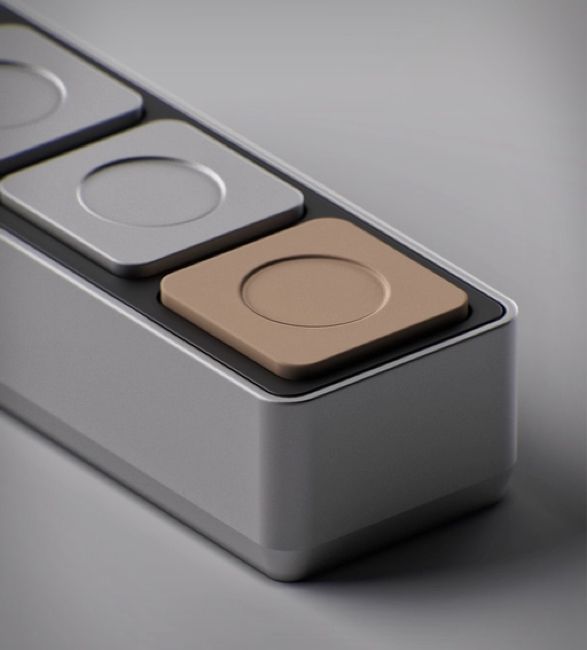
At its core, Dune is a three button keypad that changes function based on the active app. Open a meeting, and the keys handle join, mute, and camera. Switch to a coding environment, and they become your most used commands. Move to a browser, and they adapt again depending on the tab. The shift happens automatically, which is the real advantage here.

That context awareness is what separates it from traditional macro pads. Instead of building profiles and remembering layers, Dune comes preconfigured and handles the switching for you. You can still customize it with scripts and automations, but the system works out of the box without setup overhead.

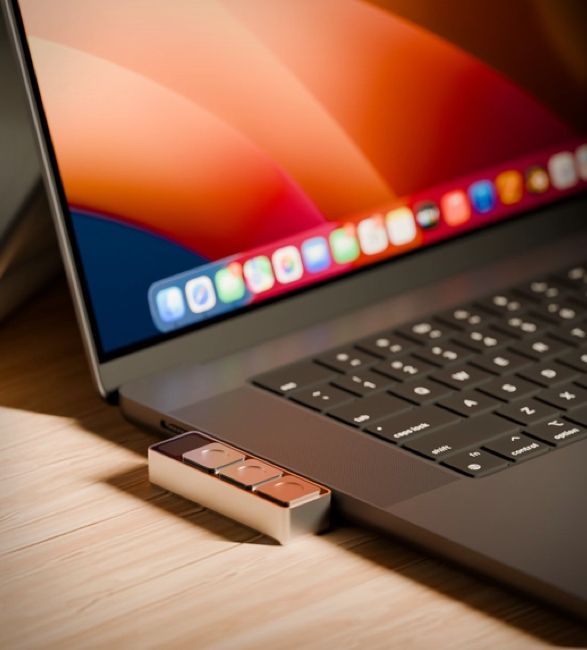
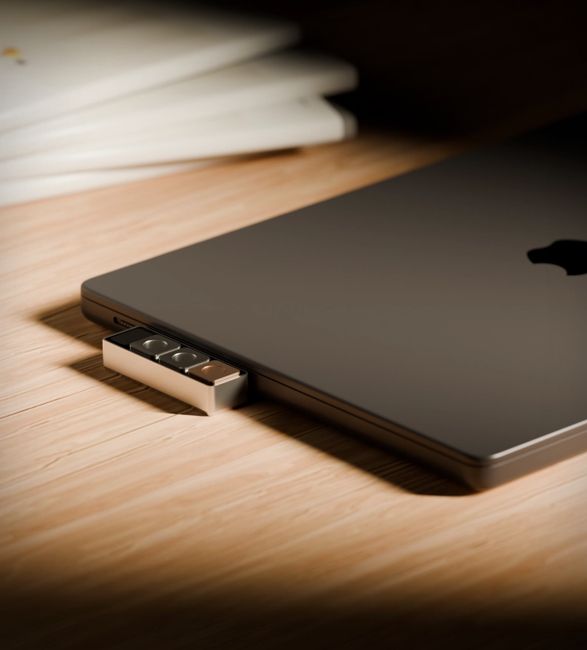
The hardware stays minimal. A compact aluminum body sits next to your keyboard without getting in the way, powered via USB C and designed to be always ready. It is a small piece of hardware, but one that directly targets the constant friction of switching between tools.

The result is less about adding controls and more about removing steps. It simplifies common actions into something immediate, which is exactly where most desktop workflows still fall short. watch the video below

dune-context-aware-keypad-for-macos-2.jpg | Image

dune-context-aware-keypad-for-macos-3.jpg | Image

dune-context-aware-keypad-for-macos-4.jpg | Image

dune-context-aware-keypad-for-macos-5.jpg | Image


MacBook Pro 16-inch - Image

MacBook Pro 16-inch

Apple have replaced the 15-inch MacBook Pro with a redesigned 16-inch model! The shiny new 16-inch MacBook Pro has a bigger screen, more power, and a redesigned keyboard. Available to order from today, the new MacBook has a Magic Keyboard with keys that feel soft to the touch thanks to their scissor mechanism. It still incorporates the Touch Bar and Touch ID but also includes a physical Escape key and an inverted "T" arrangement for the arrow keys, hooray!...
read more
LOUPEDECK - Image

LOUPEDECK

Photographers rejoice! Most photography professionals and graphic designers can likely relate to the tedious and mundane process of post production, editing photos with the traditional mouse and keyboard is neither practical nor ergonomically efficient. Loupedeck is a game changer and takes your photo editing to the next level. The powerful, hands-on and highly intuitive device lets you use dials, buttons and scrolling wheels (instead of a mouse and keyboard), for p...
read more
Lofree Flow 2 Aluminum Keyboard - Image

Lofree Flow 2 Aluminum Keyboard

The Lofree Flow 2 Aluminum Keyboard is built for people who care as much about feel as they do about looks. Machined from a single block of aluminum, its smooth matte finish feels solid yet refined, giving your desk a clean and premium presence. Available in Silver and Space Gray, it fits naturally into modern workspaces without trying too hard. Flow 2 comes in three sizes to match different setups. Choose the compact 68 key layout, the balanced 84 key versio...
read more