
stuff we drool about

Astropad

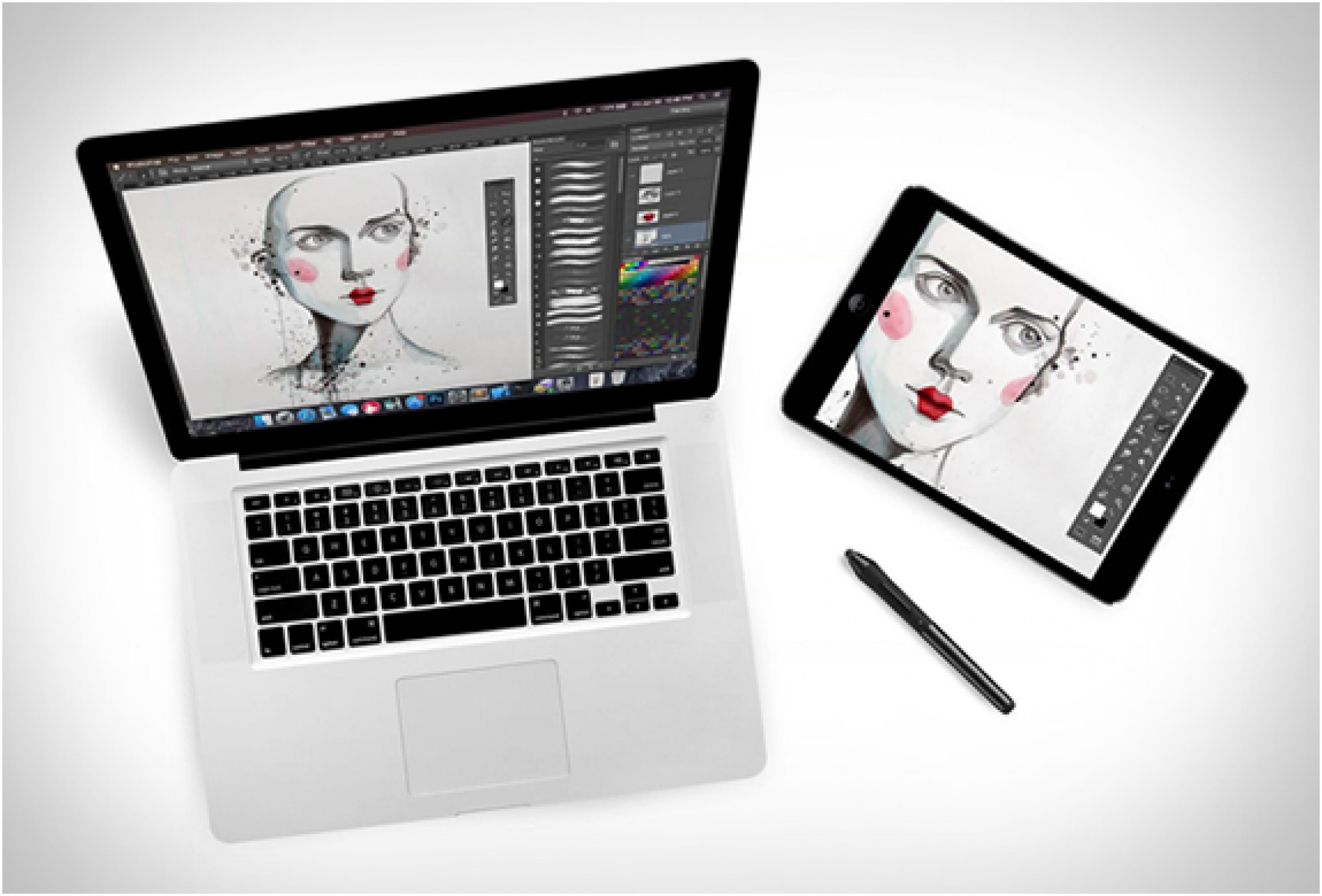
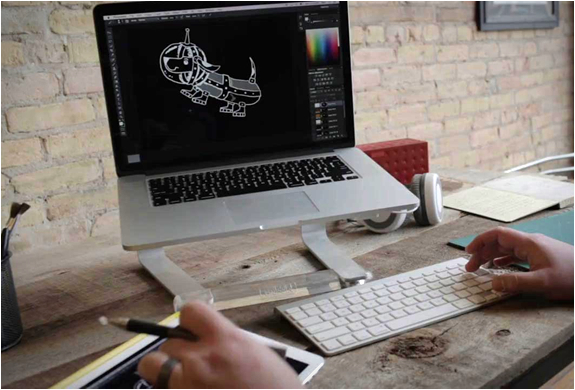
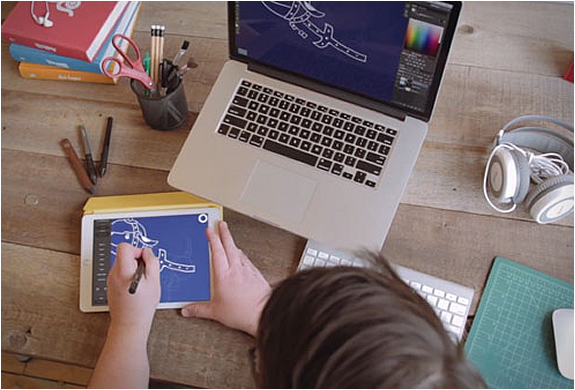
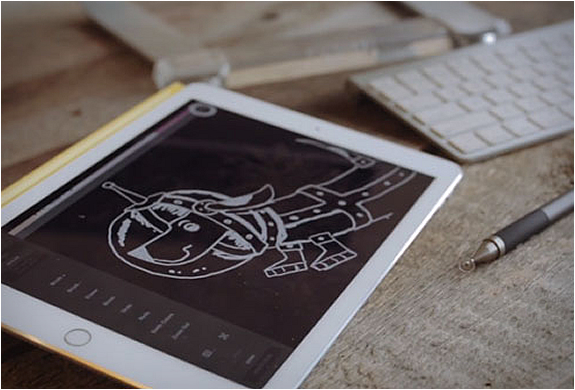
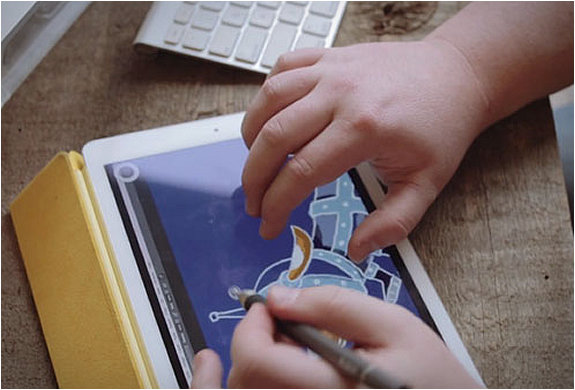
Watch out Wacom! Astropad is an ingenious idea that lets you turn your iPad into a professional drawing tablet! Designed by two former Apple engineers, Astropad is a software that is compatible with most styluses and any Mac app including Photoshop, Illustrator, etc. Astropad uses an innovative new technology called LIQUID, resulting in amazing image quality and responsiveness never before seen. What you see on your iPad is the same as on your Mac in real time. You can also customize your shortcuts and connect wirelessly or via USB. watch the video
astropad-2.jpg | Image

astropad-3.jpg | Image

astropad-4.jpg | Image

astropad-5.jpg | Image


LG 38 Inch UltraWide Curved Display - Image

LG 38 Inch UltraWide Curved Display

LG have introduced the world´s first 38-inch curved IPS monitor! The 21:9 curved ultrawide display is a dream come true for designers, photographers, producers and other creative professionals who need more room for big ideas. It also suits the needs of gamers, thanks to built-in FreeSync technology and 1 ms motion blur reduction, which virtually eliminates all tearing and stuttering leaving a crisp, clear picture for fast paced games. With a WQHD+ resolution of 38...
read more
Kano DIY PC - Image

Kano DIY PC

Kano is an "Ikea-style” kit that allows children of all ages to build a Windows computer from scratch. Now in its second generation, the Kano PC is a two-in-one tablet and laptop that does everything you need. It is modular, so it lasts longer, and it is open and transparent, so it builds your skills. The DIY computer lets everyone from grade school kids to adults build a computer, make games and music, learn to code and invent something new. It also boasts o...
read more
APPLE MAGIC TRACKPAD - Image

APPLE MAGIC TRACKPAD

Designed for desktop users, the new Magic Trackpad is the first Multi-Touch trackpad designed to work with your Mac desktop computer. It uses the same multi-touch technology you use on the MacBook Pro. It is connected via bluetooth so theres no annoying cables, and the entire surface is one large button, so you can click and double-click any....
read more