
stuff we drool about

AirBar

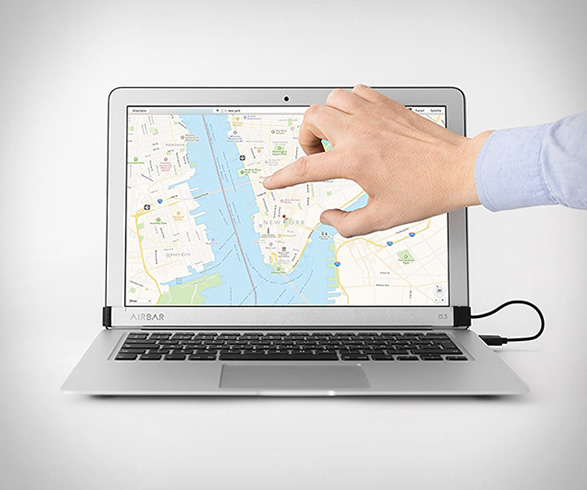
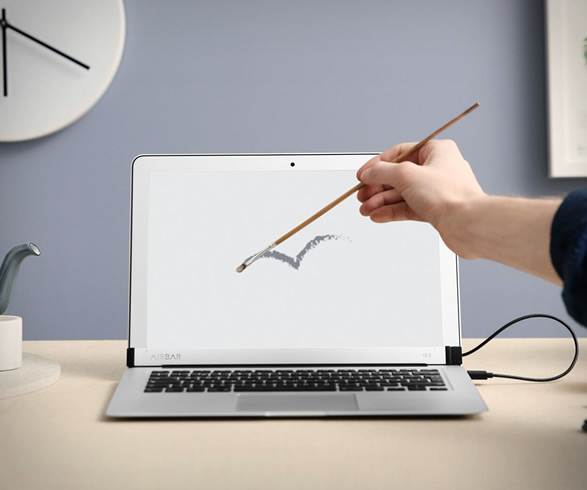
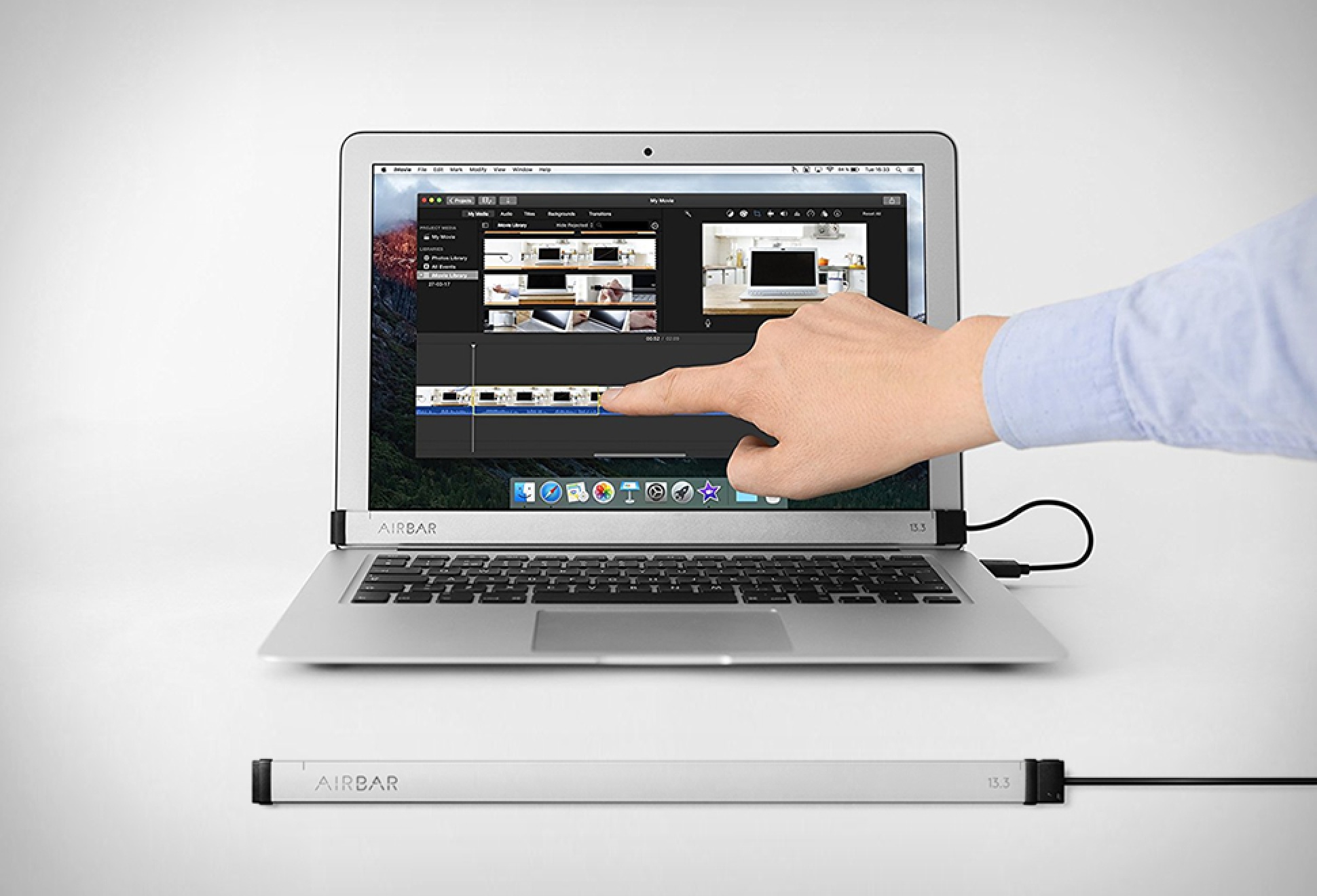
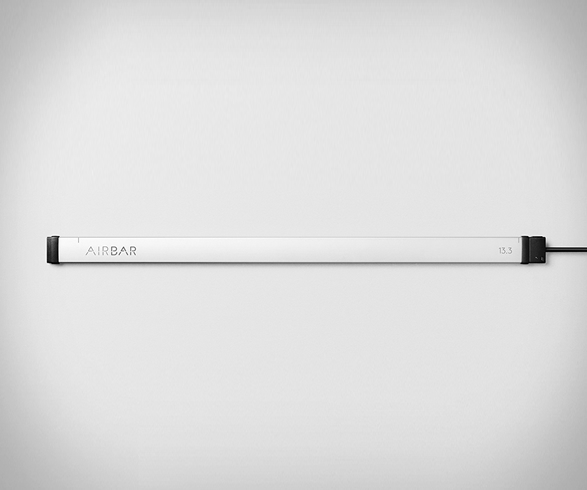
Your MacBook Air can finally have a touchscreen, but not thanks to Apple. You can now turn your regular monitor into a touch screen display with this AirBar sensor, simply attach it beneath the screen with the included magnets and plug into a USB port to create a touchscreen laptop! AirBar then senses any finger or stylus touch on your display and lets your laptop respond just like it would if you had a real touchscreen, draw, tap, pinch, rotate and zoom… it’s fast and easy. If you like to touch, this is it. watch the video below
Learn more from AirBar, or grab one from Amazon


airbar-2.jpg | Image

airbar-3.jpg | Image

airbar-4.jpg | Image

airbar-5.jpg | Image

airbar-6.jpg | Image


TANGENT EDITING PANELS - Image

TANGENT EDITING PANELS

Tangent are dedicated to providing quality solutions for the visual post-production industry, such as photographers, designers and videographers. Their powerful and customizable consoles are designed to put tools and functions you need right at your fingertips. Each panel acts as an additional input method beyond your keyboard and mouse. The sleek device helps you streamline your workflow, with custom macros and shortcuts, making creative work faster, easier and mos...
read more
XENCELABS QUICK KEYS - Image

XENCELABS QUICK KEYS

The Quick Keys Remote from Xencelabs gives your creative workflow a major boost. The one-handed device incorporates shortcut keys into your regular workflow through an easy-to-use interface, and can be connected directly to your Windows or Mac computer using the included angled USB Type-C cable or wirelessly through the RF adapter. It features eight programmable buttons with five key sets that allow you to create up to 40 shortcuts per application to accelerate a va...
read more
MICRO MOUSE FOR TIGHT SPACES | BY SWIFTPOINT - Image

MICRO MOUSE FOR TIGHT SPACES | BY SWIFTPOINT

This is quite useful, the Swiftpoint mouse gives you all the functions of a traditional mouse but operates next to your laptops touchpad. You can use the Swiftpoint mouse on the palmrest next to your laptop’s touchpad, or on a desk surface just like a traditional mouse. The unobtrusive USB dock provides wireless operation and also charges the mouse. It docks the mouse magnetically securing it directly to your laptop, so when you move, you only carry one thing....
read more