
stuff we drool about

Krrb App

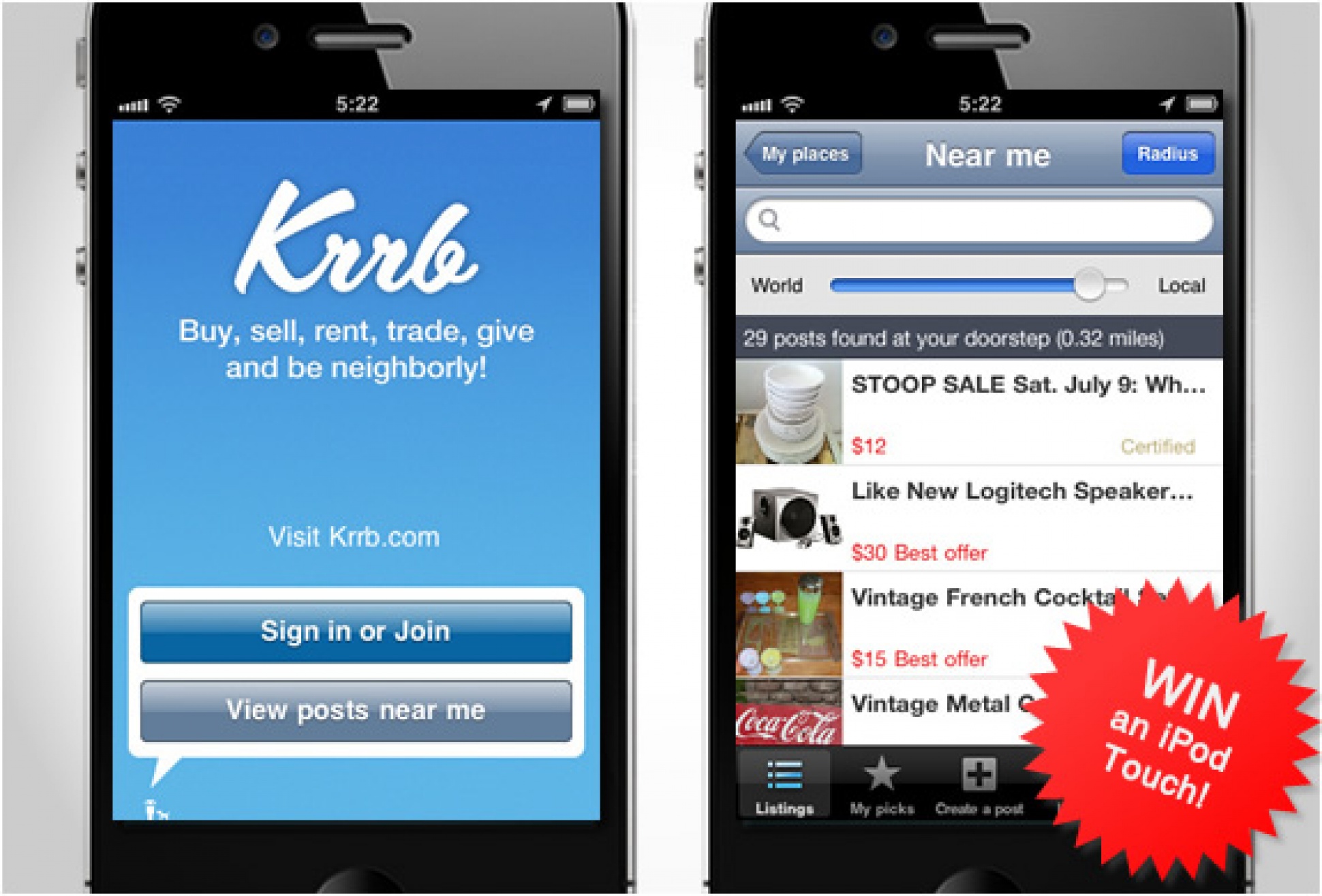
Krrb.com is a new site that connects neighbors to buy, sell, trade, give or borrow secondhand, handmade and locally-made items, they are being called the "new Craigslist". Krrb have just launched an iPhone App that allows you to post to the site directly from your phone, view posts near you and respond to messages on the go. In celebration of the new iPhone App, Krrb have launched a Summer Clearance Contest, it is easy to enter and the winner will receive a brand new iPod Touch! Click here for more info on how to enter.

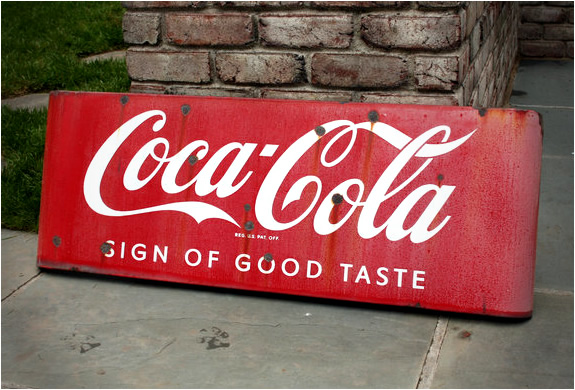
Below, some of the cool stuff you can find on Krrb.com:

- Vintage Metal Coke Sign

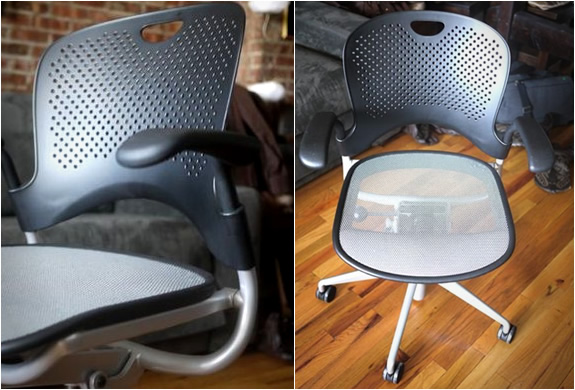
- Herman Miller Desk Chair

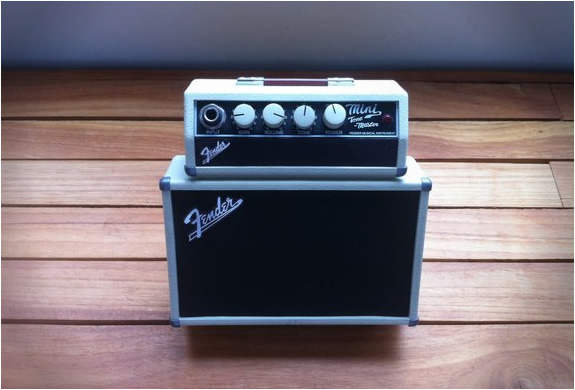
- Fender Mini Tone-Master Amp

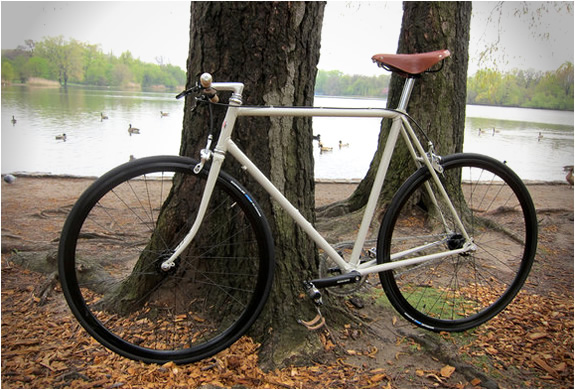
- Custom Schwinn Single Speed Bike


img_krrb_app_2.jpg | Image

img_krrb_app_3.jpg | Image

img_krrb_app_4.jpg | Image

img_krrb_app_5.jpg | Image

ONE NIGHT APP - Image

ONE NIGHT APP

One Night is a new app that lets you book same-day reservations after 3PM at a discounted rate in some of the best prestige properties, upscale hotels and boutique escapes in both NYC and LA. If you enjoy finding a place to stay on short notice, this beautifully designed app lets you snag one of the luxury properties available  for just about as cheap as they can get (rates are guaranteed to be the lowest available). The app also provides a dedicated experi...
read more
SLANG APP - Image

SLANG APP

Sneakerheads rejoice! Slang is a new app that lets you buy and sell sneakers right on your iPhone. It is basically like Tinder of the sneaker game, simply post a photo and description of the sneakers you want to swap, and choose the shoes you want by browsing the other sneakers submitted by the community. When a match is made, between a pair of sneakers you want and the ones you are offering, both parties use a pre-addressed label to ship to Slang, who acts as the m...
read more
KNOCK APP - Image

KNOCK APP

Knock is a new app that lets you unlock your Mac by knocking on your iPhone! No more need to keep typing your password every time you get back to your desk, simply knock twice on your iPhone(even works in your pocket), and your Mac unlocks. All you need to do is pair your iPhone via Bluetooth to your Mac, after you finish setup you´re done. If you´re phone  gets lost or stolen, simply sign-in with your old-fashioned password, and disable your iPhone with ...
read more