
stuff we drool about

Book | By Fiftythree X Moleskine

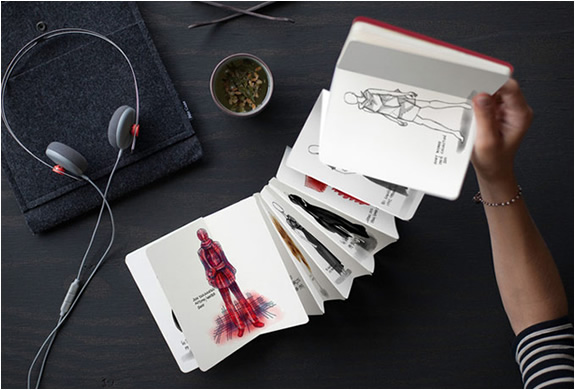
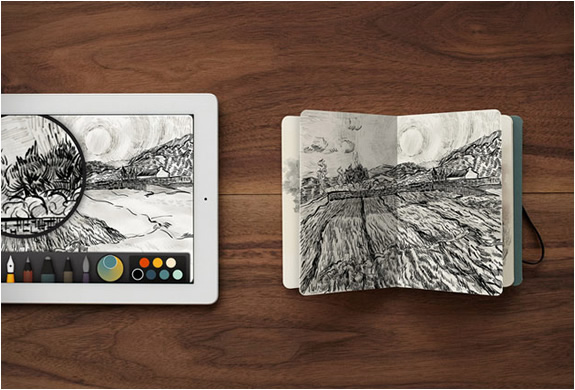
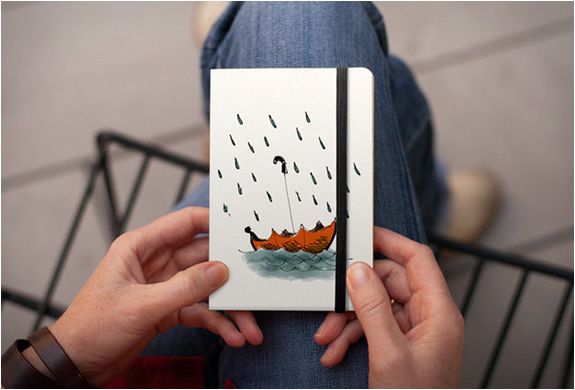
Remember the Paper app? an award winning and beautiful "sketch book-style" app that allows you to capture your ideas as sketches, diagrams, illustrations, notes or drawings and instantly share them across the web. Well, Fiftythree, the company that created the app has joined forces with Moleskine to give users the ability to print 15 foldout pages of their sketches onto a stunning, custom-printed Book. The project is called "Book", and the process is simple, pick 15 pages of your sketches, choose the cover and in less than two weeks you´ll receive your book. Makes a lovely gift or art project. watch the video
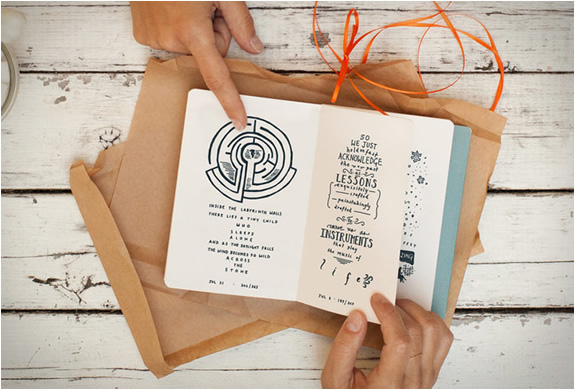
book-fiftythree-moleskine-2.jpg | Image

book-fiftythree-moleskine-3.jpg | Image

book-fiftythree-moleskine-4.jpg | Image

book-fiftythree-moleskine-5.jpg | Image


LEICA FOTOS APP - Image

LEICA FOTOS APP

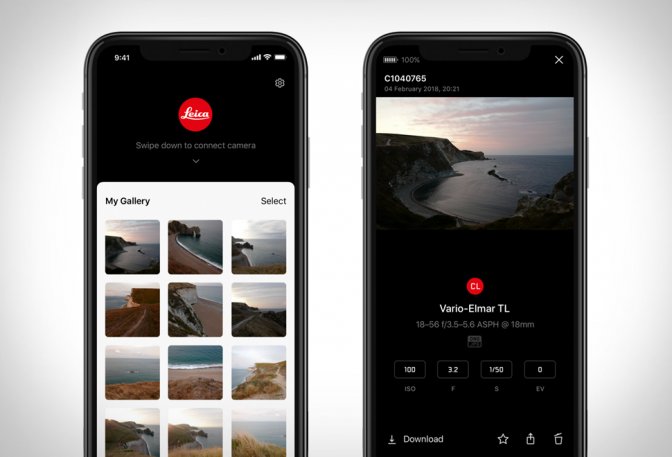
Recognising the needs of modern photographers to complete their workflow on-the-move easier, Leica have introduced the Leica Fotos App, a new mobile experience that provides support for almost all Wi-Fi enabled Leica camera models. The beautifully designed App lets Leica photographers seamlessly integrate their smartphones into how they shoot and manage their photos. The app connects directly to compatible cameras via Wi-Fi, you can then see the Live View of the cam...
read more
KNOCK APP - Image

KNOCK APP

Knock is a new app that lets you unlock your Mac by knocking on your iPhone! No more need to keep typing your password every time you get back to your desk, simply knock twice on your iPhone(even works in your pocket), and your Mac unlocks. All you need to do is pair your iPhone via Bluetooth to your Mac, after you finish setup you´re done. If you´re phone  gets lost or stolen, simply sign-in with your old-fashioned password, and disable your iPhone with ...
read more
WAKE ALARM APP - Image

WAKE ALARM APP

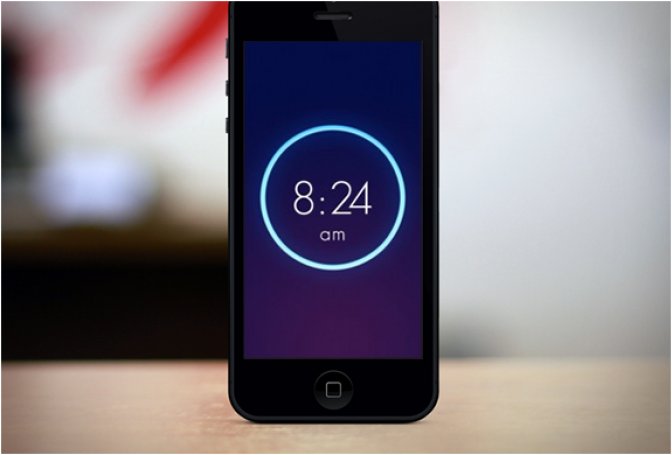
Wake is an original iPhone alarm app created by the company Tiny Hearts. The user interface is gorgeous and highly intuitive, it has the particularity of using gestures to control the application. According to the mode you choose, you can snooze the alarm via a small pat on the screen (if in morning mood slap), turn the alarm off by flipping your phone or shake to wake. It is also possible to set the alarm choosing from 3 difficulty settings in shake mode…perfect ...
read more