
stuff we drool about

Photoshop for iPad

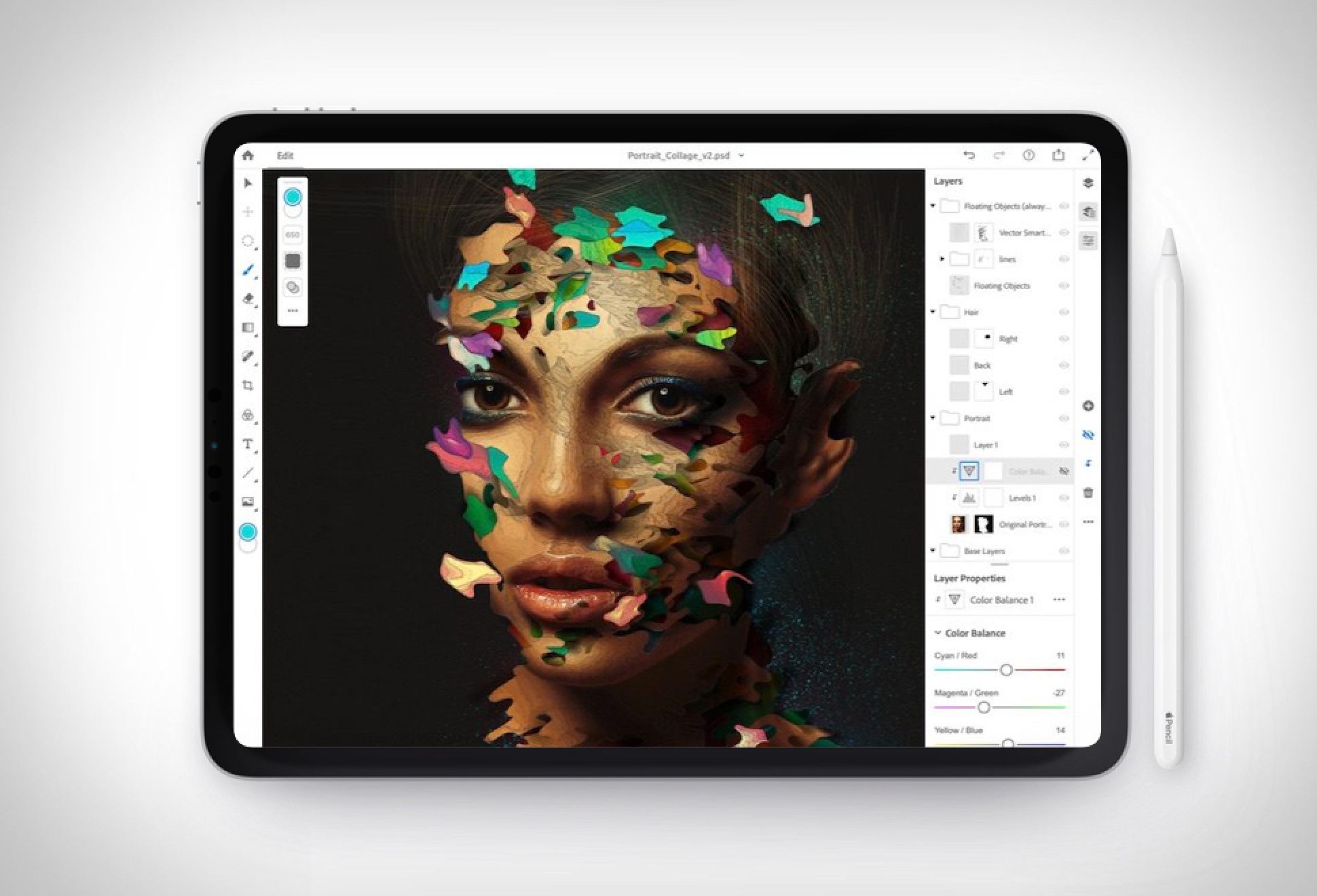
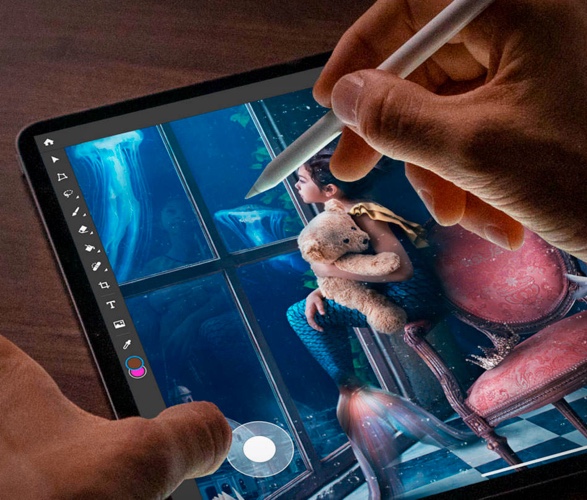
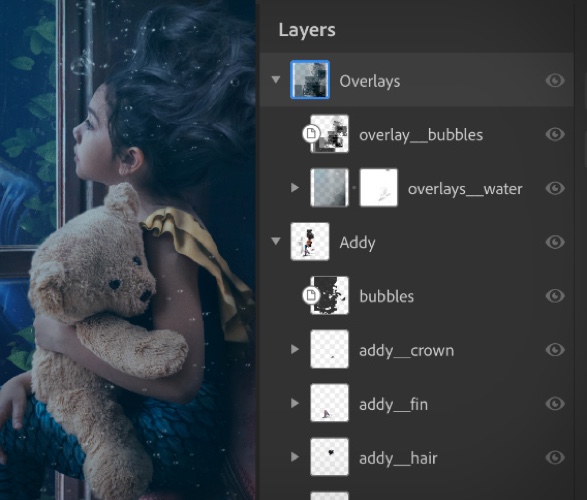
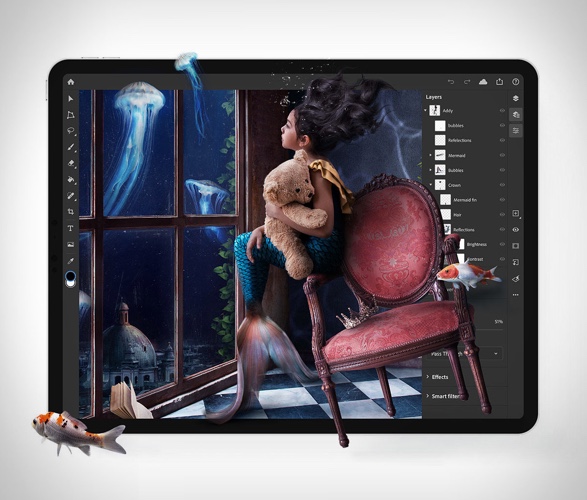
Nearly a year after it was first announced, Photoshop for the iPad is finally here! The popular professional photo-editing software is free to download and use for 30 days, after that it will cost $9.99 per month via in-app purchase for use of just the app, or included as part of an Adobe Creative Cloud subscription. The app has been redesigned for the iPad and includes many of desktop Photoshop’s core tools, particularly around compositing, retouching, and masking. For now, Photoshop on iPad is capable of exporting to PNG, JPEG, PSD, and TIFF, though Adobe assures that more features and tools will be added to the app with each new release. The app also has full support for Apple Pencil, and lets you work on full PSD files, layers and all. Like most Adobe mobile apps, all of your files will be accessible on the iPad through Creative Cloud. This means both PSDs and assets you need to create them will be within reach at all times.

photoshop-for-ipad-2.jpg | Image

photoshop-for-ipad-3.jpg | Image

photoshop-for-ipad-4.jpg | Image

photoshop-for-ipad-5.jpg | Image

BONX - Image

BONX

Bonx is dubbed as the first wearable walkie-talkie, using Bluetooth technology, and pairing with your mobile phone via an app. It features two buttons that you can tap to set it on or use simple hands-free voice commands. It´s in fact a single ear-piece that allows you to stay in touch with your friends while enjoying your outdoors activities. It´s light, funky and a great idea if you want to keep in touch with your ski buddies on the slopes, on your kayak trips o...
read more
reMarkable Paper Pro Move - Image

reMarkable Paper Pro Move

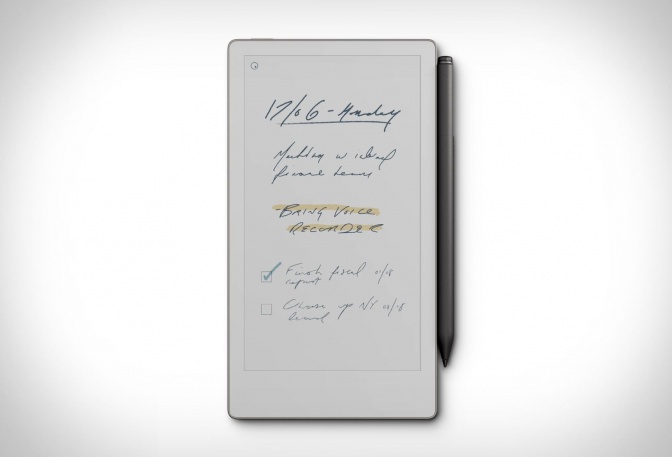
reMarkable has unveiled its most portable digital notebook yet, the Paper Pro Move, a pocket-friendly upgrade designed for focus and productivity on the go. Unlike tablets cluttered with notifications and apps, this device sticks to the essentials: writing, reading, and organizing your thoughts with zero distractions. The Paper Pro Move features a 7.3-inch Canvas Color E Ink display, paired with a textured glass surface that mimics the feel of pen on paper. Despi...
read more
LIFX | SMARTPHONE CONTROLLED LIGHT BULB - Image

LIFX | SMARTPHONE CONTROLLED LIGHT BULB

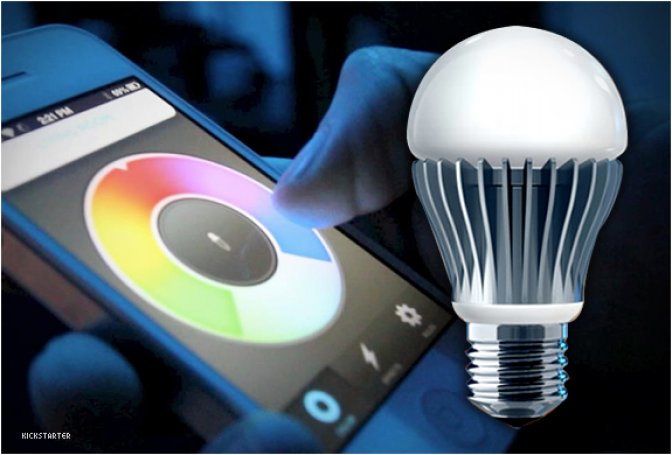
Control and change colors of your light bulbs with your iPhone or Android! How cool would that be? well, it might just become a reality if the LIFX project is successfully funded on Kickstarter... by the amount already pledged it should become available soon. LIFX is very easy to set-up, simply replace your existing bulbs with LIFX smartbulbs, install the free app, and you´re ready to control your bulbs. From your phone, you can adjust the brightness, change color,...
read more