
stuff we drool about

One Switch

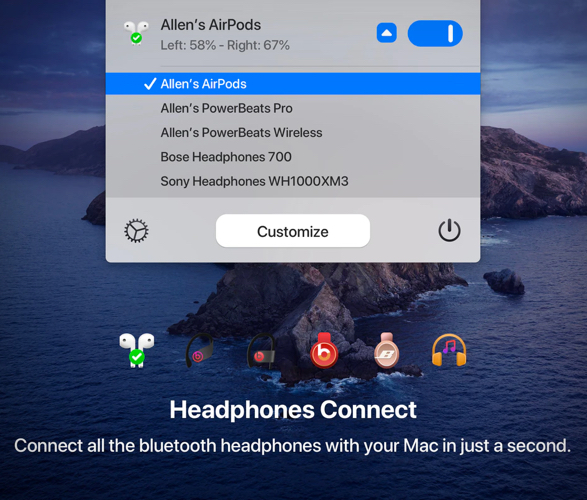
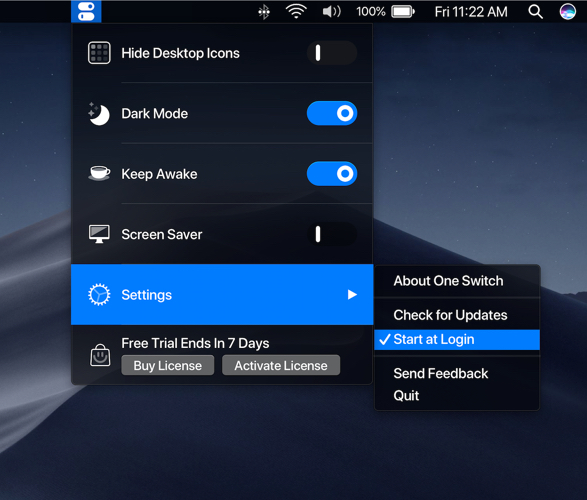
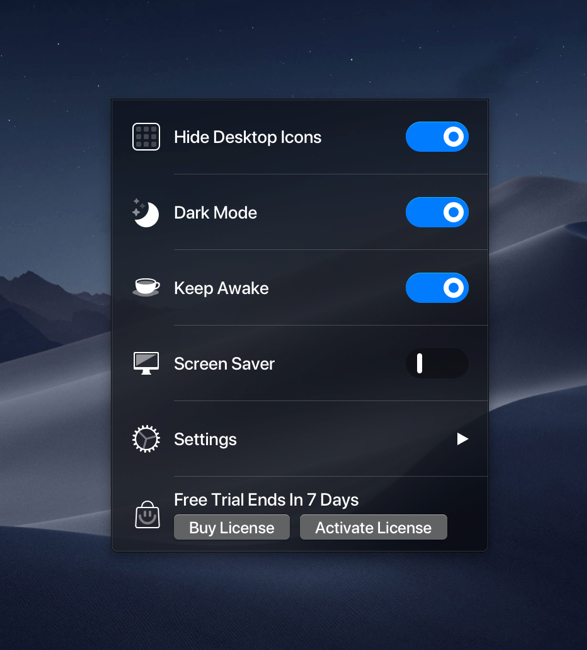
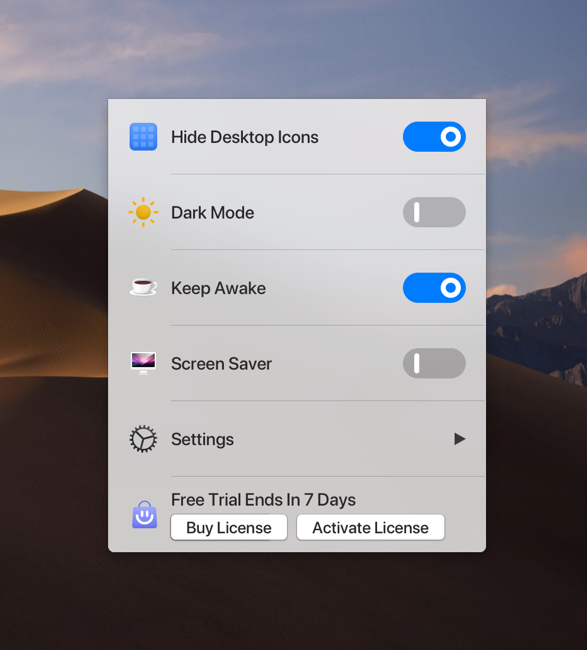
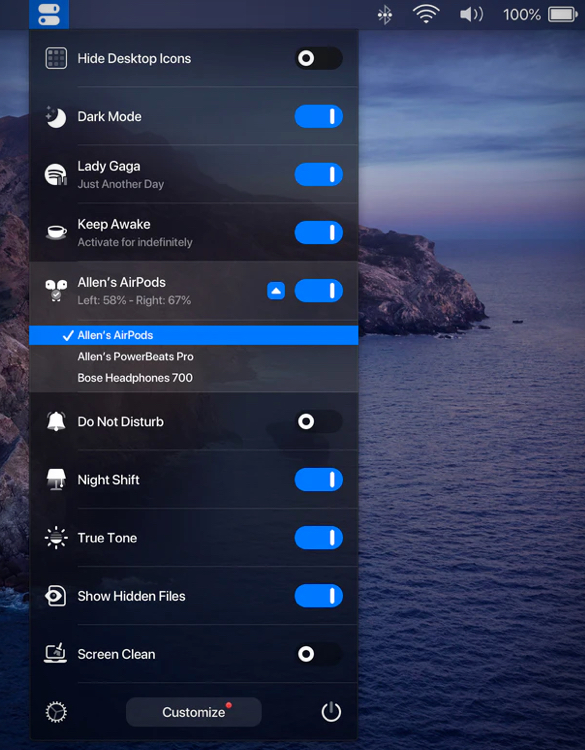
One Switch is a little menubar app for macOS, it keeps all your powerful switches in one place. The app lets you hide your messy desktop with one click, it sits in the Mac menu bar, and offers a list of switches for you to toggle various features on and off, offering instant access to all kinds of great hacks and tweaks, from toggling Dark Mode to connecting AirPods. The app is available as part of Mac app subscription service Setapp, or you can buy directly from the developer at One Switch.
one-switch-2.jpg | Image

one-switch-3.jpg | Image

one-switch-4.jpg | Image

one-switch-5.jpg | Image

one-switch-6.jpg | Image

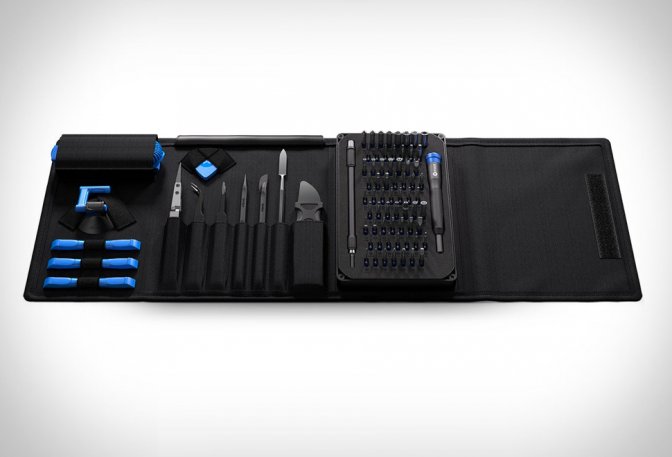
IFIXIT PRO TECH TOOLKIT - Image

IFIXIT PRO TECH TOOLKIT

Now that we are all at home self-isolating, this is the perfect time to fix those broken gadgets. The iFixit Pro Tech Toolkit is the perfect toolkit for pros to average joes, and  contains no more and no less than what you really need. The handy kit been developed to ensure it responds to the needs of everyone who has to get some work done on common consumer electronic goods such as a vintage Nintendo console to the more recent and state of the art Apple wa...
read more
ROGER APP - Image

ROGER APP

Roger is a new app by the brilliant team behind Spotify, it lets you have conversations with your friends walkie-talkie style. All you need is someone’s phone number to get started, then simply tap to talk, and tap to listen, just as you would with a traditional walkie-talkie. Talk for as long as you want, as much as you want, with anyone, no matter where they are. It’s free to and easy to use, and it even gives you weather and time of day based on someone’s l...
read more
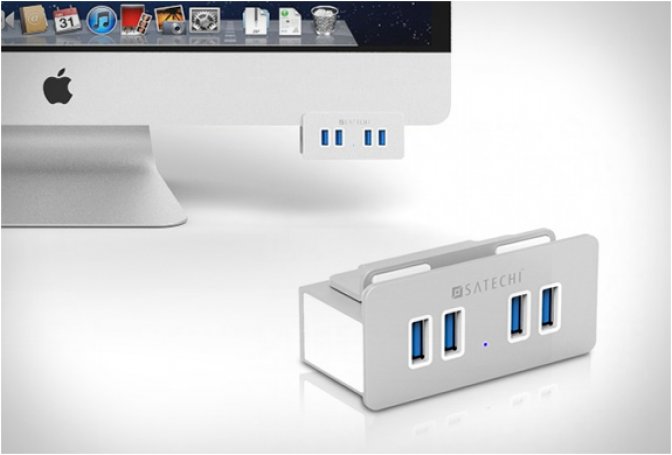
ALUMINUM CLAMP USB HUB | BY SATECHI - Image

ALUMINUM CLAMP USB HUB | BY SATECHI

The Satechi Aluminum Clamp Hub is another elegant solution that solves the annoying iMac design flaw of the rear USB ports. The stylish clamp has a metallic brushed aluminum finish and white trim that seamlessly camouflages into your iMac, adding four USB 3.0 ports to easily connect your USB devices at a convenient location underneath your monitor. No installation is required, simply attach it to your monitor and tighten the screw, then plug in a USB extension cable...
read more